

Luminar Legacy Campaign Has Started: Desktop Plan for €59
Special pricing for eligible owners of previous Skylum products.
We’re excited to let you know that the Luminar Legacy Campaign starts today, September 21!
Owners of previous Skylum products — including Luminar AI, Luminar 4, Luminar 3, Luminar 2018, Aurora HDR, and other eligible legacy products — may be eligible to upgrade to Luminar at the special €59 Desktop Only price instead of €129.
Please note: The special €59 Legacy offer is available to eligible users once they log in to their Skylum account. New users will see the standard offer instead.
📅 Campaign timeline: September 21, 15:00 (EEST) – October 16, 2026
Get the Luminar Legacy Offer →Disclosure: We may earn a commission from purchases made through our affiliate link. This does not affect the price you pay.
What is a VPN? A VPN (Virtual Private Network) is a tool that creates a secure, encrypted connection between your device (like a phone or computer) and the internet. It hides your online activities by sending your data through a private tunnel, making it harder for others (like hackers, websites, or even your internet provider) to see what you’re doing.
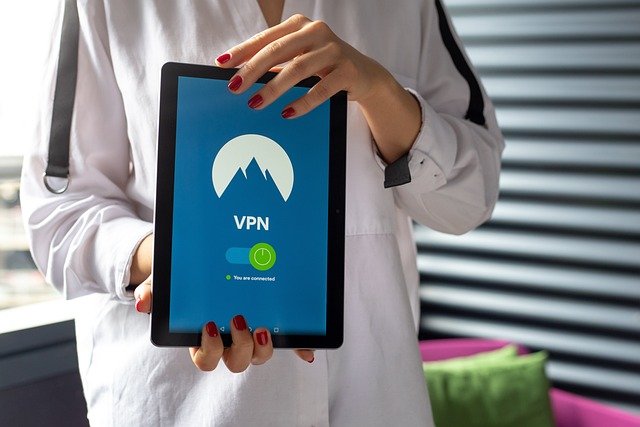
Here’s how a VPN (Virtual Private Network) works, simplified into seven steps:
- Connection Setup: You connect to the internet via a VPN app or service.
- Encryption: The VPN encrypts (scrambles) your internet traffic.
- Secure Tunnel: Your data travels through a secure, private “tunnel” to a VPN server.
- VPN Server: The VPN server acts as a middleman, sending your requests to websites.
- Anonymity: Websites only see the VPN server’s IP address, not yours.
- Data Encrypted Back: The server encrypts the data you receive, sending it back through the tunnel.
- Decryption: Your VPN app decrypts the data, so you can view it securely and safely.
This keeps your activity private and secure!
The Benefits of a VPN
Using a VPN offers several benefits that enhance privacy, security, and online freedom. Here’s a breakdown of the main advantages:
1. Privacy Protection
- Hides Your IP Address: It masks your real IP address, making it harder for websites, services, and advertisers to track your location and online activities.
- Prevents Tracking: Your internet provider or government can’t easily see what you’re doing online, as your activity is encrypted.
2. Enhanced Security
- Data Encryption: VPNs encrypt your data, protecting it from hackers, especially when using unsecured public Wi-Fi networks (like in cafes or airports).
- Protection Against Cyber Attacks: It adds a layer of protection from cyber threats like phishing, hacking attempts, and data interception.
3. Access Geo-Restricted Content
- Bypass Censorship: If you’re in a country with internet restrictions, a VPN allows you to bypass censorship and access blocked websites and services.
- Stream Foreign Content: You can access streaming services or websites that are available only in certain regions (like watching Netflix content from other countries).
4. Safe Public Wi-Fi Usage
- Security on Public Networks: Public Wi-Fi is often insecure and easy for hackers to exploit. A VPN secures your connection, making it safe to browse, shop, or bank online when using public networks.
5. Anonymous Browsing
- Browse Without Being Identified: A VPN helps you stay anonymous online by masking your browsing history from third parties, including advertisers or websites that track user behavior.
6. Avoid Throttling
- Faster Internet Speeds: Some internet service providers (ISPs) slow down your connection based on your activity (like streaming or gaming). With a VPN, ISPs can’t see what you’re doing, helping avoid this throttling.
7. Remote Access
- Access to Work Networks: For remote workers, VPNs allow secure access to corporate or work networks, ensuring that sensitive company data remains secure while working from different locations.
In short, it enhances your privacy, security, and freedom on the internet, making it a valuable tool for online safety and accessibility.
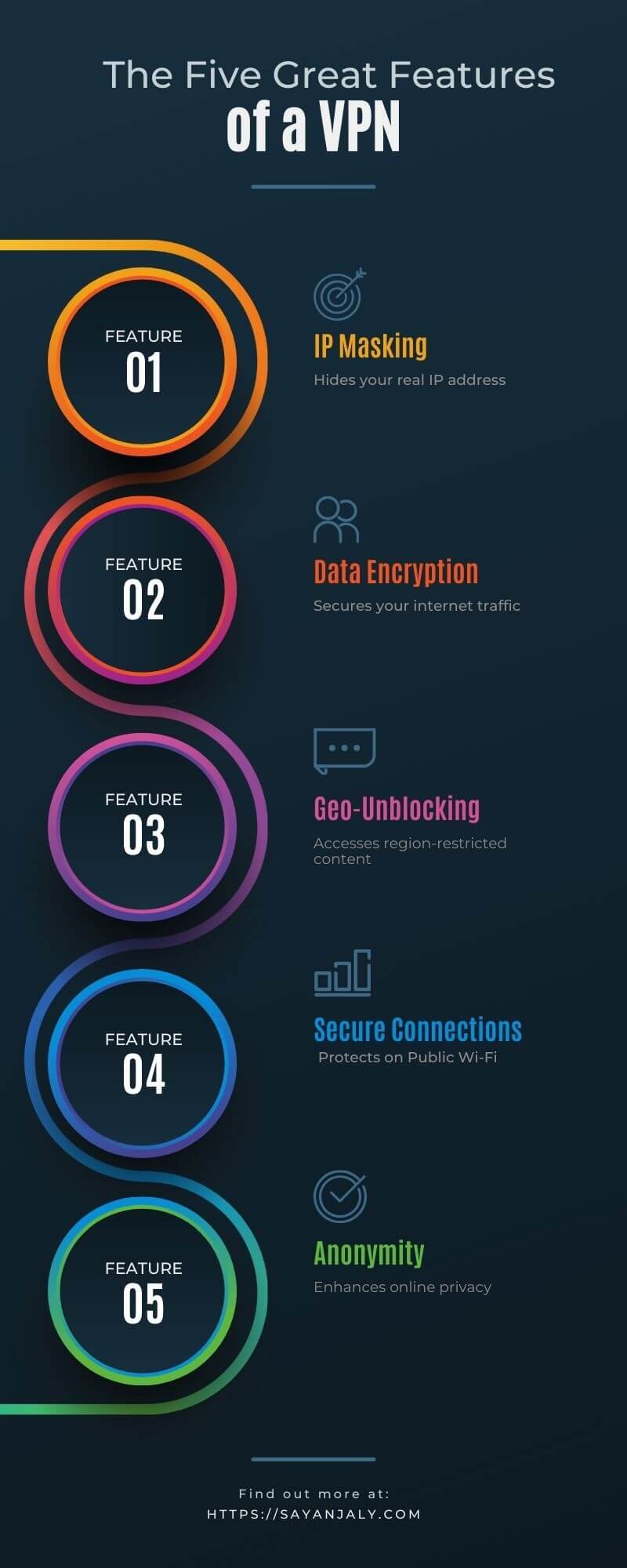
The 5 best features of a VPN
The five best features of a VPN that make it a valuable tool for online security, privacy, and accessibility:
1. Encryption
- Secure Data Transmission: VPNs use strong encryption protocols (like AES-256) to protect your internet traffic. This ensures that any data you send or receive is scrambled and unreadable to anyone who tries to intercept it, such as hackers or snoopers.
2. IP Address Masking
- Anonymity and Privacy: By hiding your real IP address and replacing it with the VPN server’s IP, your online activities become harder to trace back to you. This provides an extra layer of anonymity and protects your location and identity.
3. Bypass Geo-Restrictions
- Access Blocked Content: VPNs allow you to access websites, apps, and streaming services that may be restricted based on your geographic location. Whether it’s accessing foreign streaming libraries, unblocking social media in restrictive countries, or accessing news sites, a VPN makes it possible.
4. Public Wi-Fi Protection
- Safe Browsing on Open Networks: Public Wi-Fi networks (in places like cafes, airports, and hotels) are often insecure, making your data vulnerable to attacks. A VPN secures your connection, ensuring your personal information is protected from potential hackers on these networks.
5. No-Log Policy
- Privacy-First Approach: A good VPN provider maintains a strict no-log policy, meaning they don’t track, store, or share your browsing activities or personal data. This ensures your data is private even from the VPN service itself.
These features collectively improve your security, privacy, and freedom when browsing the internet.
Your Personal Information is Safe
Using a VPN can enhance the safety of your personal information by encrypting your data and masking your IP address. Keep in mind that some low-quality or free VPNs may sell your data or fail to protect it properly. So, your personal information is safe only with trustworthy and reputable VPNs.
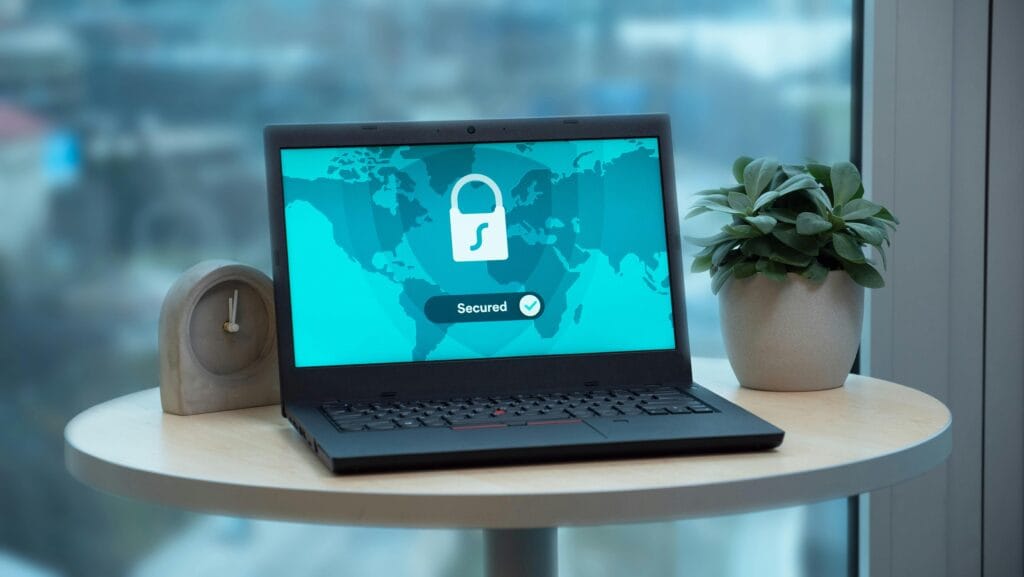
Does a VPN fix unsecured WiFi?
A VPN fixes unsecured WiFi by providing a secure, encrypted connection. Here’s how it works:
- Encryption: Even if the WiFi network is unsecured, it encrypts your data, making it unreadable to hackers or anyone trying to intercept it.
- Secure Tunnel: The VPN creates a secure “tunnel” for your data to pass through, preventing eavesdropping on your activities.
- Hides IP Address: The VPN hides your real IP address, making your identity and location harder to trace.
- Blocks Man-in-the-Middle Attacks: Since data is encrypted, hackers can’t easily perform attacks that target unprotected communications on unsecured networks.
Absolutely, by encrypting your data and hiding your identity, it protects you even on public or unsecured WiFi.
VPN FAQ: Quick Answers
Is using a VPN legal?
In most countries, yes. VPNs are legal in the US, UK, EU, Canada, and Australia, although a few countries restrict or ban them. A VPN doesn’t make illegal activity legal, so check the rules of any country you’re traveling to.
Does a VPN make you completely anonymous?
No. A VPN hides your IP address from the websites you visit and encrypts your traffic on the way to the VPN server. It can’t stop tracking through cookies, browser fingerprinting, or accounts you’re logged into, and the VPN provider itself can see your connection activity. That’s why a clear, independently audited no-log policy matters.
Will a VPN slow down my internet?
Usually a little. Your traffic takes an extra hop and gets encrypted, so some speed loss is normal. A reputable provider with a nearby server typically keeps the difference small, while distant servers and overloaded free VPNs slow things down more.
Do I need a VPN at home?
Not always. A VPN is most useful on public Wi-Fi, while traveling, or when you want to keep your browsing history from your internet provider or reach region-locked content (see our VPN for streaming guide). On a secure home network, most sites already use HTTPS encryption, so a VPN mainly shifts who can see your browsing from your internet provider to your VPN provider.
Are free VPNs safe?
Some are, but many aren’t. Running VPN servers costs money, and some free services cover it with ads, tracking, or by selling user data. If you go free, choose a provider with a clear privacy policy and expect limits on speed and data.
Conclusion
In today’s digital age, protecting your privacy and securing your data is no longer optional—it’s essential. A VPN (Virtual Private Network) provides a safe, private way to browse the internet, shield your information from hackers, and bypass restrictions no matter where you are in the world. Whether you’re working remotely, streaming, shopping online, or just browsing, a VPN gives you the peace of mind that your online activity remains private and secure.
Ready to take control of your online privacy? Start using a reliable VPN today and experience the freedom of safe, unrestricted browsing. Don’t wait until it’s too late—secure your digital life now!
Check out the best VPN of 2026 here
We may earn a small commission if you purchase through these links, at no extra cost to you.
Thank You
Thank you for taking the time to read this guide! Your privacy matters, and we are glad you’re taking steps to protect it. If you found this post helpful, please share it with friends and family so they too can stay safe online. Stay secure, stay private, and happy browsing!
Warm regards,







Please keep comments helpful and respectful.
No affiliate links, promotional links, or YouTube URLs.
Let’s keep our community clean and supportive! 💙